Free Hoodie Mockup Generator
Upload your artwork, place it on a photograph of a hoodie, from the front, the back or on a hanger, and download it for your product listing. Change the hoodie to any colour, with no photoshoot and no sign-up.
Make a hoodie mockup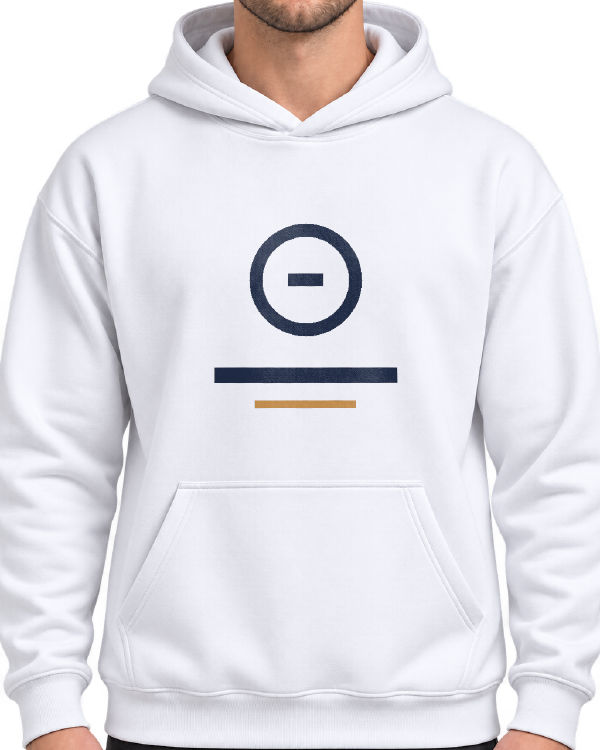
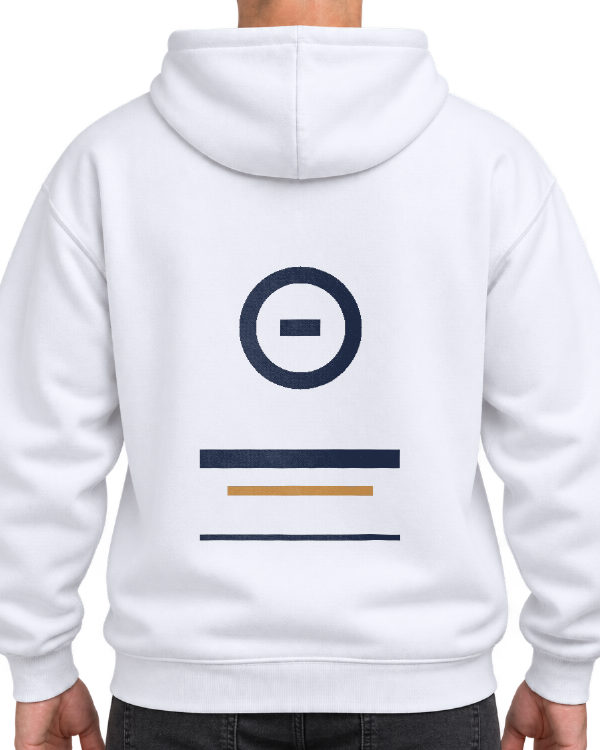
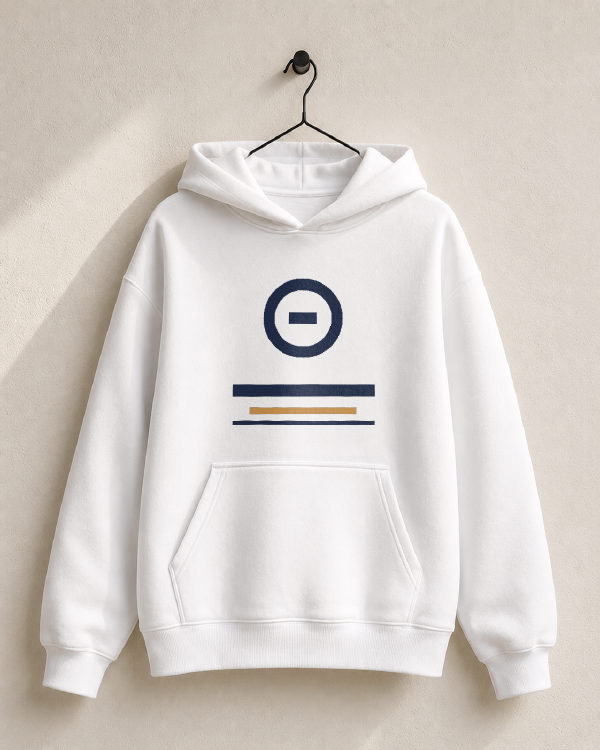
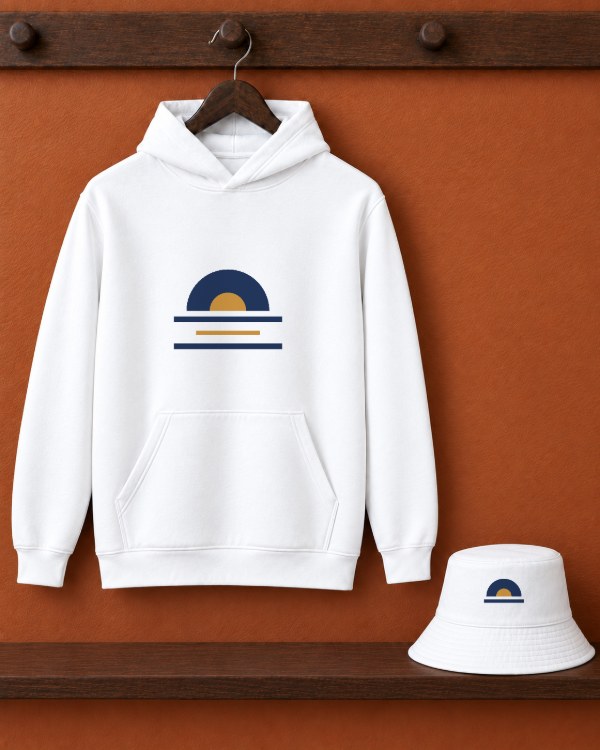
Four hoodie mockups
Pick one to open it in the editor with that photograph ready for your design.
Where a hoodie print goes
A hoodie has less flat front than a t-shirt. On a pullover, the kangaroo pocket crosses the lower front, so a front design normally sits above the pocket seam rather than running into it. The usual front print is centred, starts a few inches below the neckline and is roughly 10 to 12 inches wide. A left-chest logo runs about 3 to 4 inches.
The back has no pocket, which is why it carries the large prints. A back design usually starts 3 to 4 inches below the hood seam and can be taller than the front one. In the editor the front print area is square and the back one is taller, matching where each print really goes.
These are conventions, and every print partner publishes its own print area. Check theirs before you finalise the artwork, and size the design to it.
Showing the design on fleece
Hoodie fabric is heavier than a t-shirt's, so it folds in deeper, softer curves. Your design follows the folds and shadows of the photograph, which is what makes a mockup read as a printed garment rather than a picture pasted on.
- Fine lines and small text lose detail on a fleece print; check the design at the size it will be printed
- Use a PNG with a transparent background so the hoodie shows around the design
- Show the same design on two or three colours; the hoodie can be black, navy, red, forest green, sand, heather grey or heather navy, or any colour from the picker
- Show the back too if the design has a back print; buyers want to see both
A matching hoodie and hat
The hoodie and bucket hat set has a separate print area on each. Switch between them with the Hoodie and Bucket Hat buttons, so the same logo can sit large on the chest and small on the hat, or the two can carry different designs.
Common questions
Can I change the colour of the hoodie?
Yes. Pick black, navy, red, forest green, sand, heather grey or heather navy, or any colour from the colour picker. The folds and shadows of the photograph stay on the new colour.
Can I show the back of the hoodie?
Yes. White Hoodie on Model, Back is a back-view photograph with a taller print area for back designs. For a front and back pair, download each one.
Can I put a design on the hoodie and the hat?
Yes. The hoodie and bucket hat set has a print area on each. Choose which one you are working on with the Hoodie and Bucket Hat buttons.
What resolution is the exported mockup?
Full size, half or quarter, as a PNG or a JPG. Full size is the photograph's own resolution, which for these mockups is 1024 by 1536 pixels for the two model photographs and 1122 by 1402 for the hanger and the set, and each option shows its exact pixels before you download.
Is my design uploaded to a server?
No. The image is read into a local canvas in your browser and never transmitted. That matters when the artwork is unreleased.
Can I sell products made with these mockups?
Yes. There is no watermark and no restriction on the exported file.
Where do the photographs come from?
Each scene was created for TemplateBox with an AI image generator from a written description of a generic product shot. None is a stock photo or another site's mockup, and no real brand appears in them.
Make a hoodie mockup
Free, no account, nothing uploaded. Your work saves on this device and exports with no watermark.
Make a hoodie mockup