Free Poster Frame Mockup Generator
Upload your poster or art print, see it framed on a wall, above a sideboard or on linen, and download the photograph for your shop listing. Fourteen frames and settings, with no photoshoot and no sign-up.
Make a framed print mockup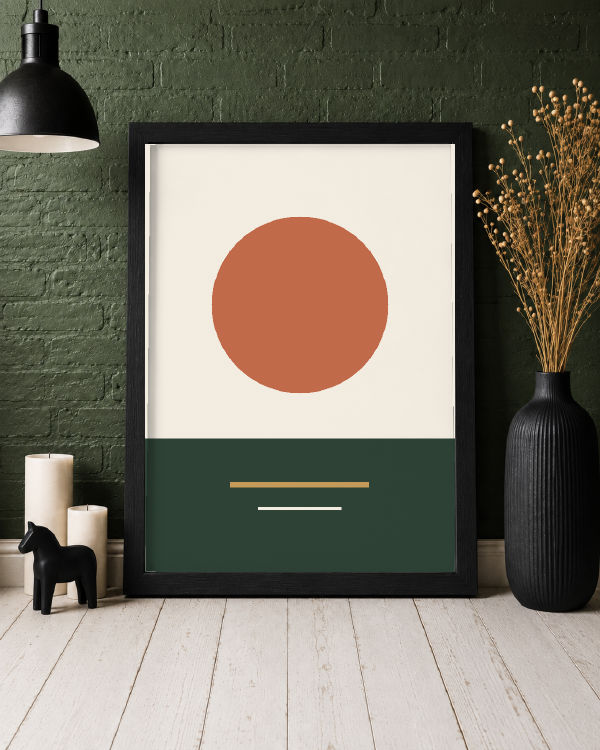
Fourteen framed print mockups
Pick one to open it in the editor with that photograph ready for your print.
-
Framed Poster in Interior
-
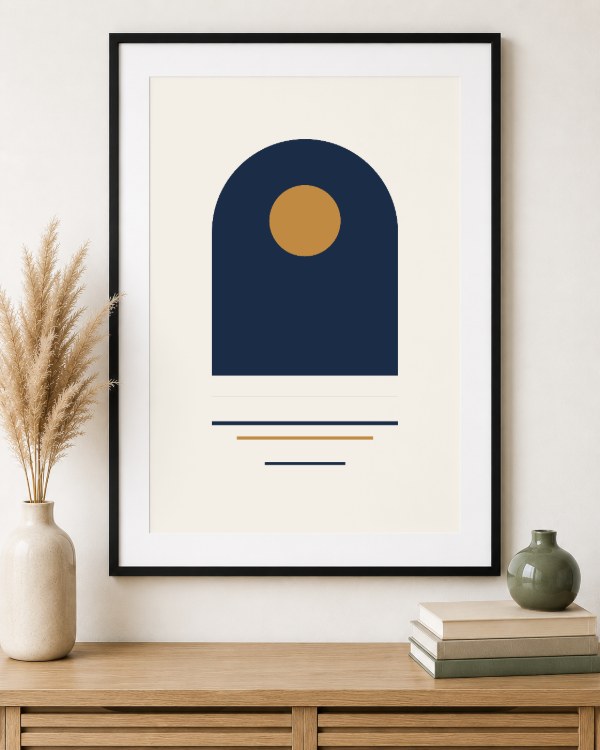 Framed Poster over a Shelf
-
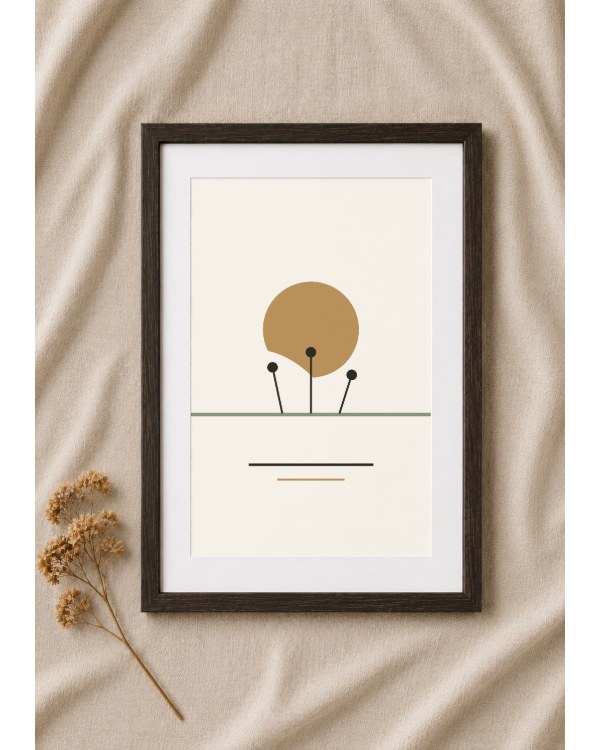 Framed Print on Linen
-
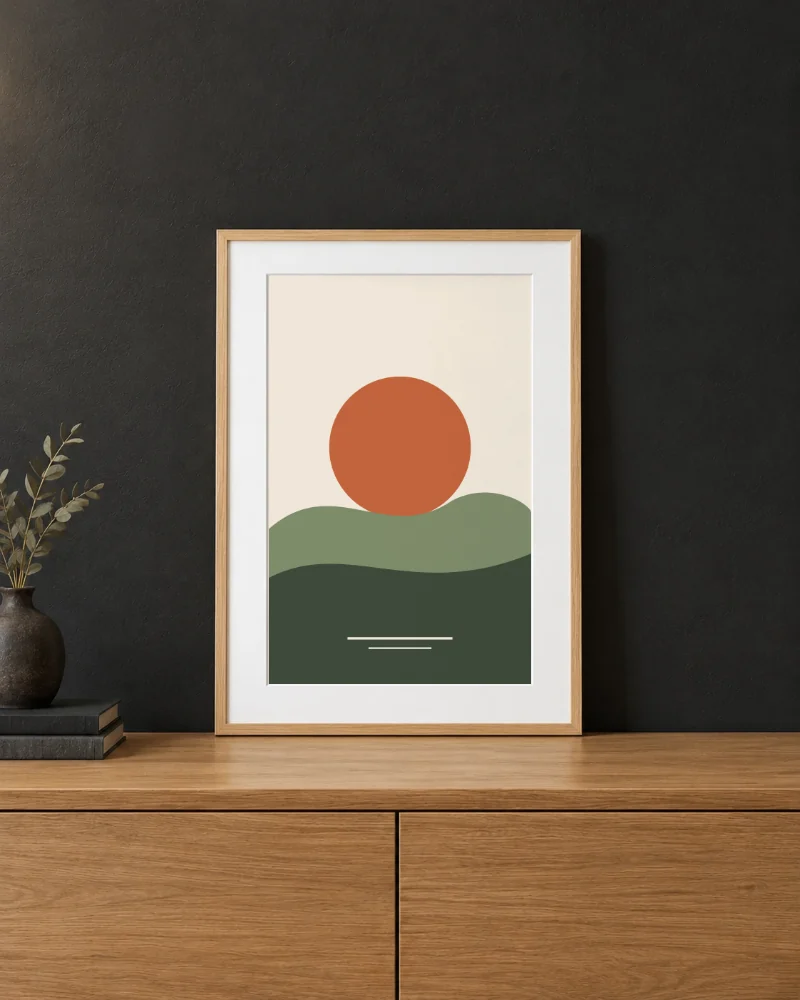 Leaning Wood Frame Poster
-
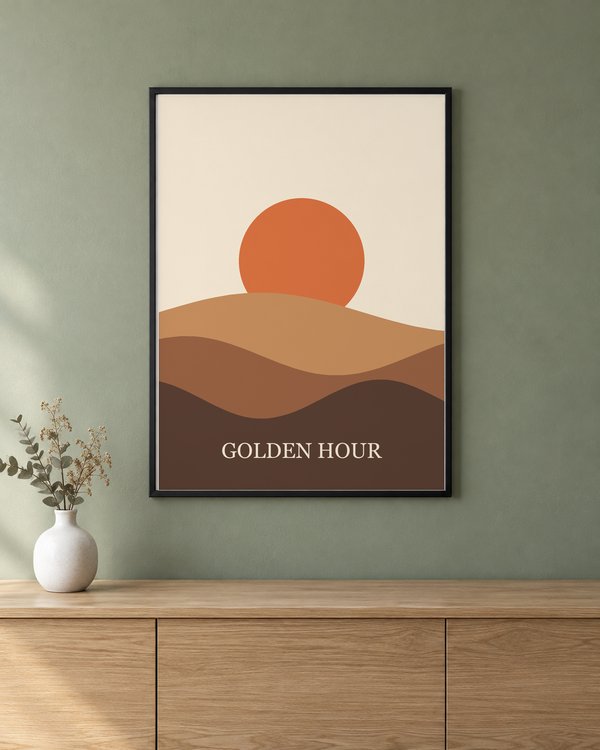 Black Frame on a Sage Wall
-
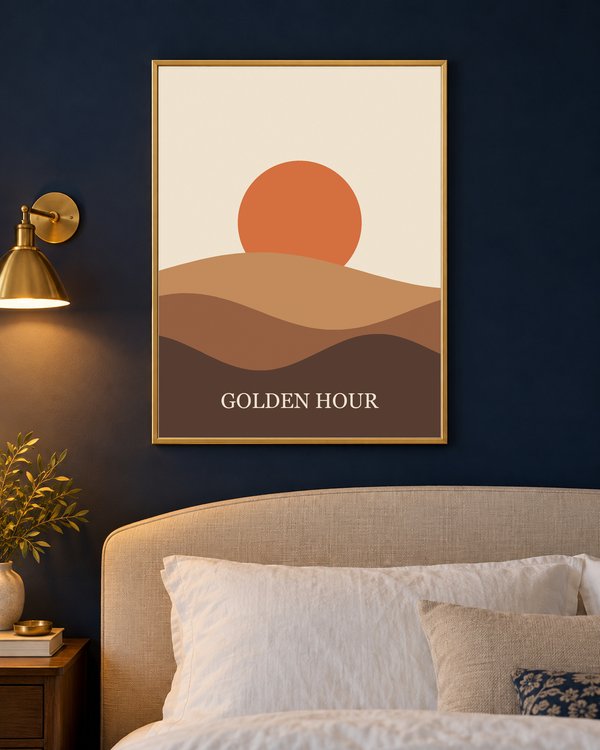 Gold Frame in a Navy Bedroom
-
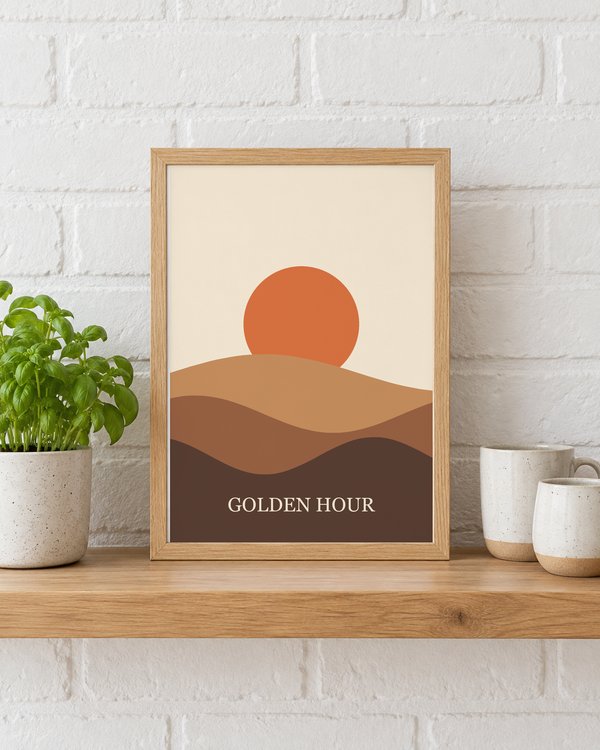 Oak Frame on a Kitchen Shelf
-
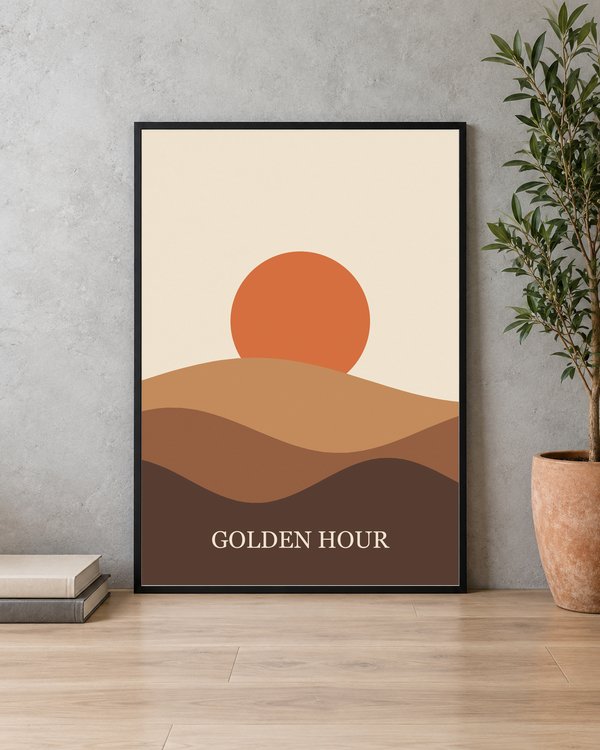 Black Frame Leaning on Concrete
-
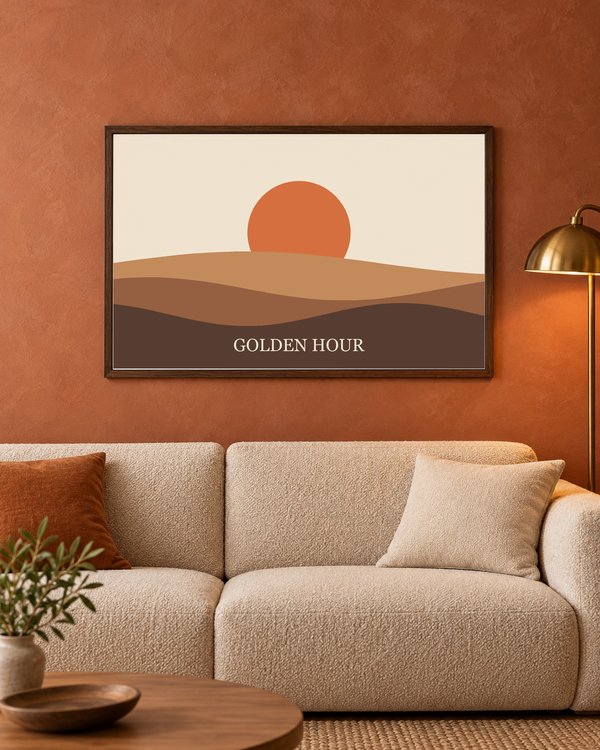 Landscape Walnut Frame over a Sofa
-
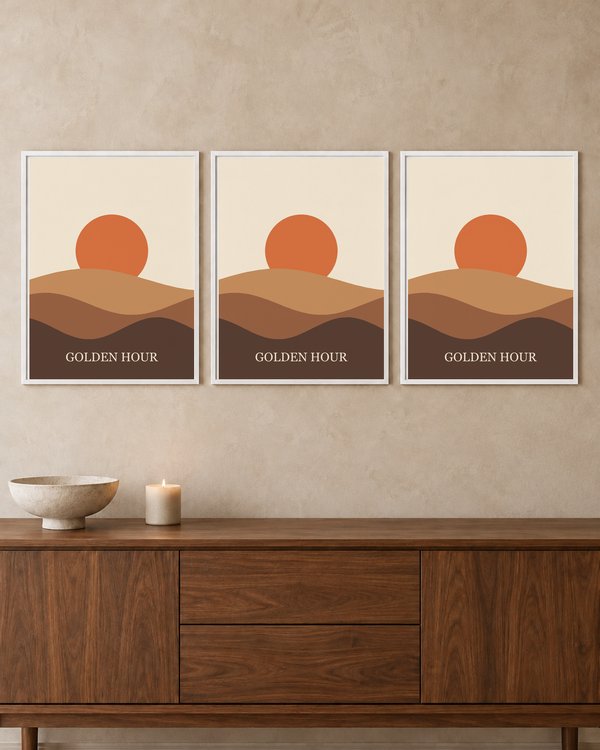 Gallery Wall of Three White Frames
-
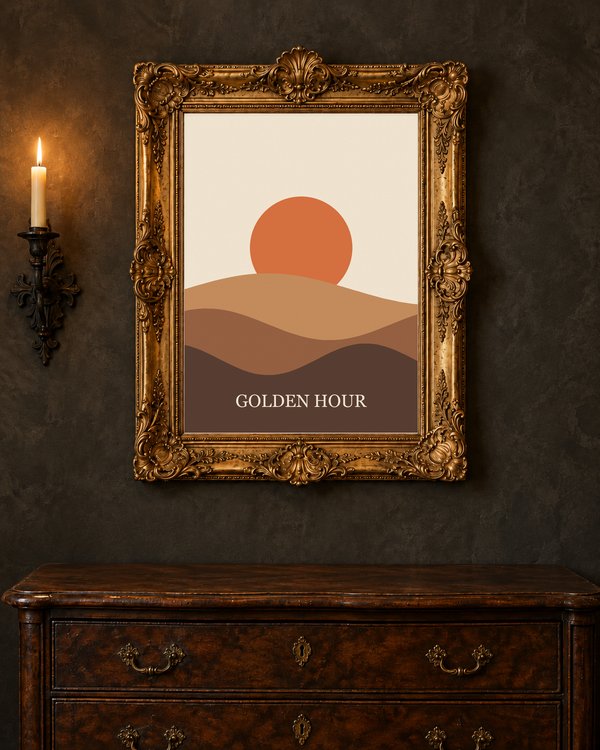 Ornate Gilded Frame
-
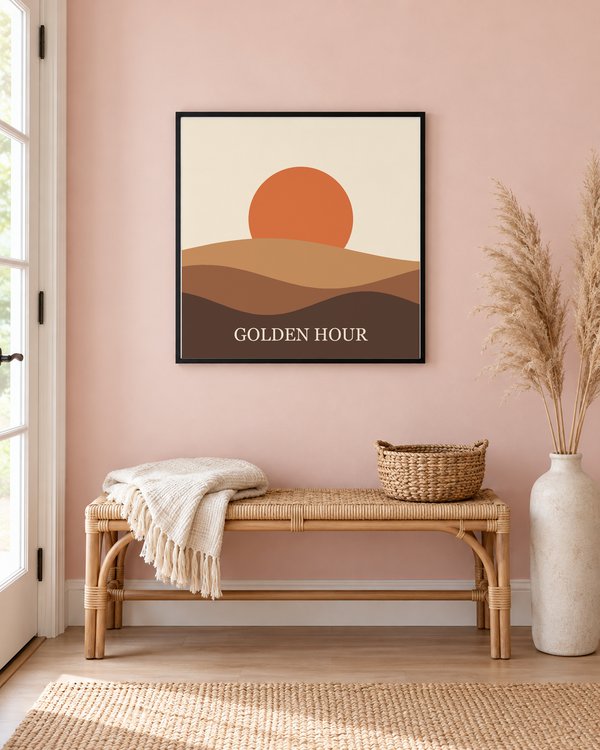 Square Frame in a Blush Hallway
-
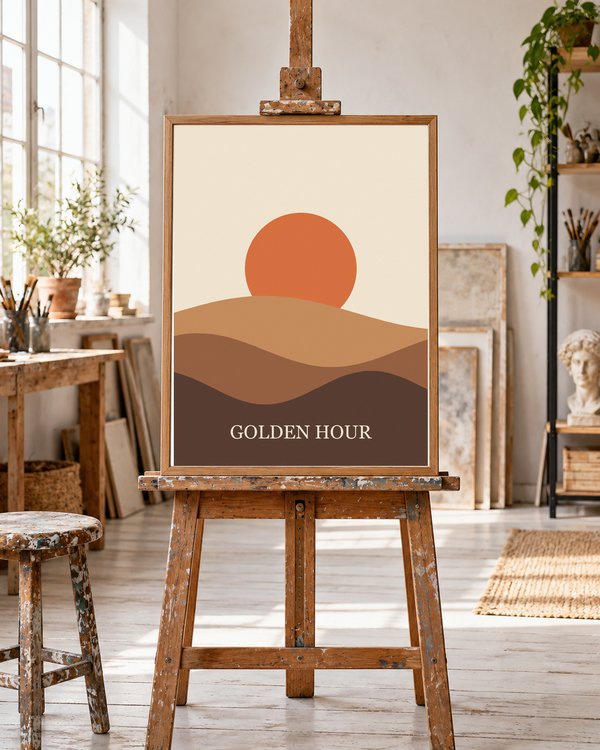 Frame on an Artist's Easel
-
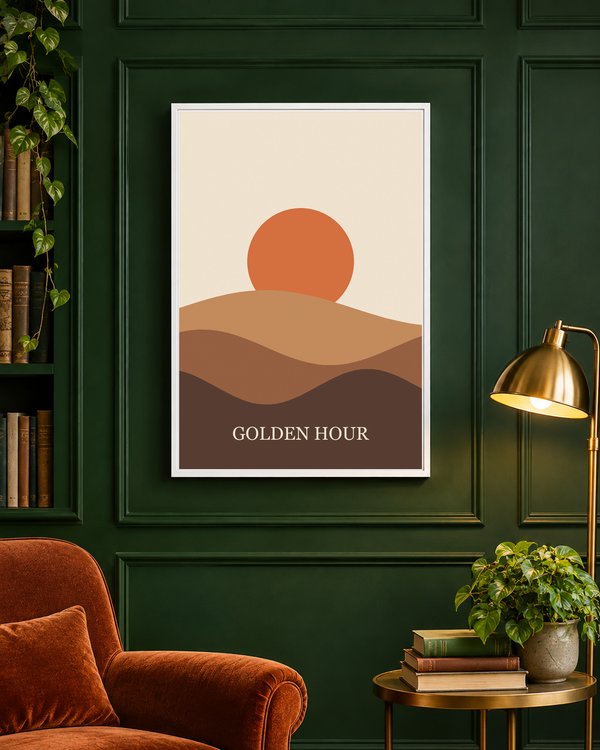 White Frame on Green Panelling
Match your print to the frame
Most of the openings are portrait. The walnut frame over the sofa is landscape, close to a 3 by 2 poster turned on its side, and the black frame in the blush hallway is square. The gallery wall holds three prints, one design per frame, chosen with the Left, Centre and Right buttons in the editor. The frames in the brick interior, on the kitchen shelf and leaning on concrete are close to the shape of A-series paper (A4, A3, A2), the gold frame is close to 3 by 4, and the rest are close to a 2 by 3 poster, the two original wooden ones a touch taller. Your design fills the opening when you add it, the way a framed print does, so a design of a different shape is trimmed at the edges. Make it smaller with Design Size to show all of it.
- A-series sizes (A4, A3, A2) are 1 to 1.41
- 12 by 18 and 24 by 36 inch posters are 2 to 3
- 8 by 10 and 16 by 20 inch prints are 4 to 5, squarer than these frames, so expect some trimming at the sides
Three of the frames have a white mat around the print, which gives a small or minimal design room to breathe. The black frame in the brick interior has none, so the print runs to the frame.
Light and dark walls
Pick the setting that suits the artwork as well as the frame. Pale and white-background prints stand out most against the charcoal and the dark green walls. Bold, dark or saturated designs read well in the light rooms: the cream wall over the sideboard and the linen.
Showing one print in two settings answers the buyer's real question, which is how it will look in a room like theirs.
Resolution for the print itself
A mockup only needs to look sharp on a screen, but the file you sell needs 300 pixels per inch at its printed size: 2480 by 3508 pixels for A4, 3508 by 4961 for A3, and 7200 by 10800 for a 24 by 36 inch poster. Design at that size, then use a copy in the mockup. If you are making the poster itself, the poster maker exports a print-ready file.
Common questions
Why is part of my design cut off?
The design fills the frame's opening when you add it, as a framed print does, so a design of a different shape is trimmed at the edges. Make it smaller with Design Size to show all of it.
Can I change the colour of the frame?
No. The frames are part of each photograph, so the choice is between the fourteen: five black frames, two gold frames (one of them an ornate antique), two dark wood frames (one of them landscape), three natural wood frames (one of them on an easel) and two white ones, one of them a row of three.
What size should my print be?
For the mockup, an image around 1000 pixels on its long side is plenty. For the print you sell, use 300 pixels per inch at the printed size, such as 2480 by 3508 pixels for A4.
What resolution is the exported mockup?
Full size, half or quarter, as a PNG or a JPG. Full size is the photograph's own resolution, which for these mockups is 1122 by 1402 pixels for thirteen of the fourteen and 1054 by 1492 for the print on linen, and each option shows its exact pixels before you download.
Is my design uploaded to a server?
No. The image is read into a local canvas in your browser and never transmitted. That matters when the artwork is unreleased.
Can I sell products made with these mockups?
Yes. There is no watermark and no restriction on the exported file.
Where do the photographs come from?
Each scene was created for TemplateBox with an AI image generator from a written description of a generic product shot. None is a stock photo or another site's mockup, and no real brand appears in them.
Make a framed print mockup
Free, no account, nothing uploaded. Your work saves on this device and exports with no watermark.
Make a framed print mockup